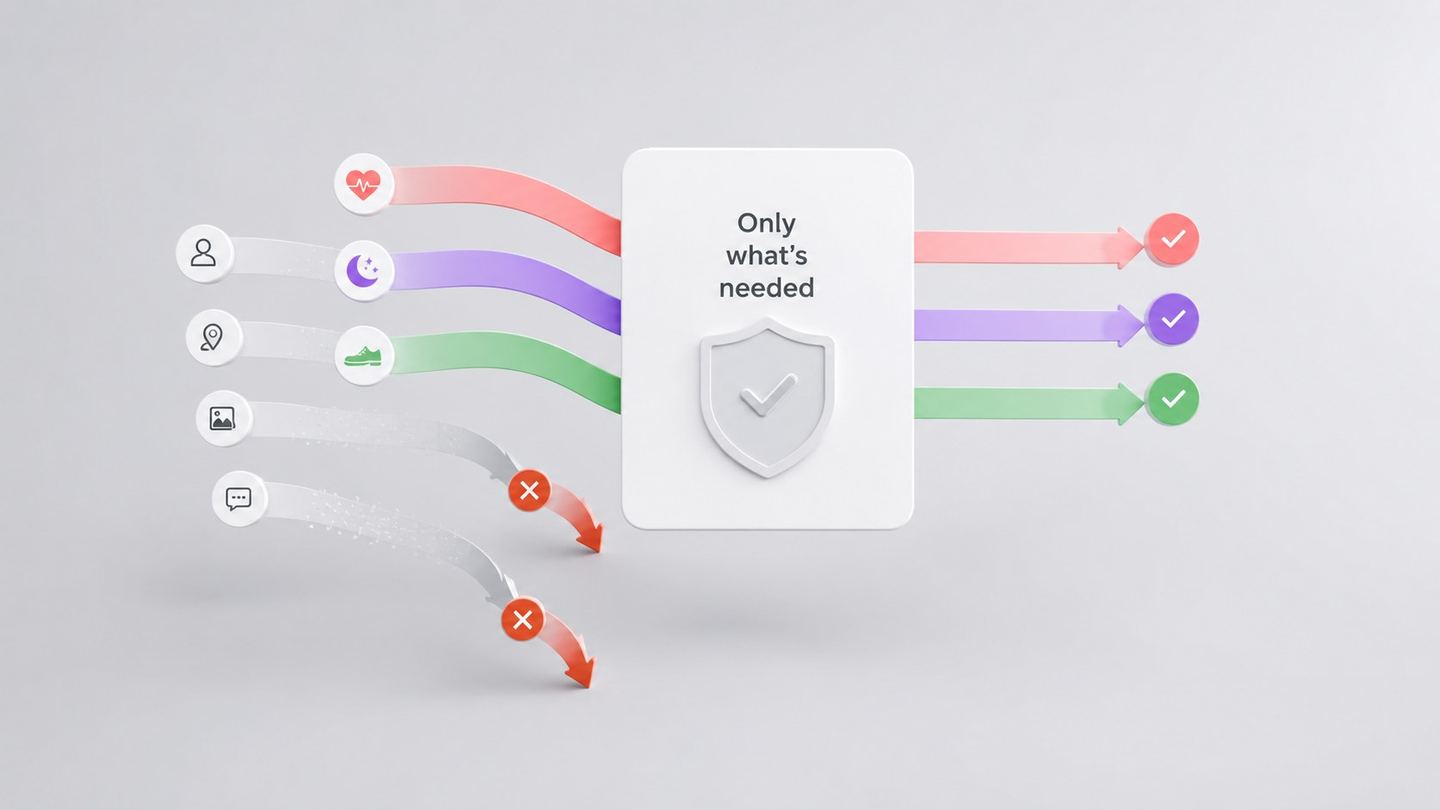
How health app permissions actually work
How health data permissions work on iPhone (HealthKit) and Android (Health Connect) — per-type access, read vs write, and how to change your mind anytime.

When an app wants to work with the health data on your phone, it doesn't just get it. Both Apple and Google put a permission layer in between — one that's more granular than most people realize. Understanding how that layer works makes the permission screen far less of a shrug-and-tap moment.
Key takeaways
- Health permissions are granted per data type — you can share steps but not sleep, or heart rate but not weight.
- Reading and writing are separate permissions; an app can be allowed to read without ever being able to write.
- You can review and revoke health permissions at any time, in the system's health settings.
- On both platforms, health data stays on the device unless you allow an app to use it — there's no backdoor to it from a server.
Two systems, one idea
On iPhone, the health store is HealthKit; on Android, it's Health Connect. They're built by different companies, but the core design is the same: your health data sits in a system-controlled store, and an app can only touch the specific types you approve.
| iPhone (HealthKit) | Android (Health Connect) | |
|---|---|---|
| Where data lives | System health store on the device | System health store on the device |
| Granularity | Per data type (steps, sleep, heart rate…) | Per data type (steps, sleep, heart rate…) |
| Read vs write | Separate permissions | Separate permissions |
| Change later | Settings → Health → Data Access & Devices | Health Connect settings → app permissions |
| Advertising use | Prohibited by platform rules | Prohibited by platform rules |
The practical upshot: "share my health data" is never all-or-nothing. It's a set of individual switches you control.
Can an app read data I didn't allow?
No. Access is scoped to exactly the types you approved, and nothing else. If you grant read access to workouts but not to blood glucose, the app simply cannot see glucose — the request isn't there.
There's a privacy nuance worth knowing on iPhone: to protect you, the system doesn't even tell an app which permissions you denied. From the app's side, "you said no" and "there's no data" can look the same. That's deliberate — it stops apps from pressuring you based on what you declined.
Read-only vs read-and-write
The two directions are independent:
- Read — the app can see the data types you allow (for example, to show context alongside what you log).
- Write — the app can add entries to the store (for example, saving a workout back to Health).
An app can be read-only by design, requesting read access to some types and never asking to write. When you see the permission sheet, it lists read and write separately, so you can tell which is which before you decide.
A quick checklist before you tap "Allow"
- ✓ Which types is it asking for? Only ones that make sense for what the app does?
- ✓ Read, write, or both? Does it need to write, or just read for context?
- ✓ Can I change this later? (Yes — see below. So you can start conservative.)
- ✓ Does its privacy policy say health data isn't used for ads? Platform rules forbid it; a good policy says so too.
Changing your mind
Permissions aren't permanent. On iPhone, open Settings → Health → Data Access & Devices, pick the app, and toggle individual types on or off. On Android, open Health Connect and adjust the app's permissions there. Revoke access and the app loses it immediately, for the types you turned off.
The permission sheet isn't a formality to click past — it's the control panel. Reading it for thirty seconds tells you exactly what a health app can and can't see, and you hold the switches either way.
References (3)
- Apple — Protecting access to users' health data — Apple
- Apple Developer — HealthKit — Apple
- Android Developers — Health Connect: Permissions and data access — Google (Android)
Wellthrive
Get early access to Wellthrive
Join the waitlist for Wellthrive — a nutrition and wellness app for clearer, more practical health decisions.
Get early access to Wellthrive