Deleting a health app vs. deleting your account
Deleting a health app, canceling its subscription and deleting your account are three separate steps. What each one reaches, what can remain, and a checklist.
Long-pressing an app icon and choosing "Delete" or "Uninstall" feels final. For a health app, it usually isn't. Deleting the app from your phone, canceling a subscription and deleting your account are three separate actions. Each one reaches a different part of your information. Here is what each step does, how to ask for your account to be deleted, and what can remain afterward.
Three steps that look alike
| What you do | What it reaches | What it leaves in place |
|---|---|---|
| Delete the app from your phone | The app, and data stored only on that device | Your account, anything already on the company's servers, and future subscription charges |
| Cancel a subscription | Future charges | The app, the account, and the data |
| Delete your account | The account and the data linked to it | The app on your phone, an app store subscription (it may keep charging you until you cancel it in the store), data kept for legal or security reasons, and copies already sent to other services, such as apps or health platforms you connected |
Removing the app is a phone setting
Many health apps sync to a company's servers so that your history follows you to a new phone. Removing the app from one device leaves those server copies untouched. It doesn't stop billing either, because uninstalling an app doesn't cancel its subscription.
A subscription bought through an app store is canceled in that store's subscription settings. On an iPhone, open Settings, tap your name, then tap Subscriptions. On Android, go to subscriptions in Google Play. If you paid the company directly instead, cancel with the company.
How to ask for account deletion
Deleting the account is a request to the company, and it starts in the app. Apps in both major app stores that let you create an account must also let you delete it from inside the app. Look in the app's account or privacy settings. Deactivating or disabling an account is not the same as deleting it.
If the app is already off your phone, look for the developer's deletion web page. Apps on Google Play that let you create an account must provide one. If you can't find either, check the app's privacy policy for how to request deletion.
Cancel any app store subscription before you send the request, since deleting the account may not stop the store from charging you.
What can remain after you delete your account
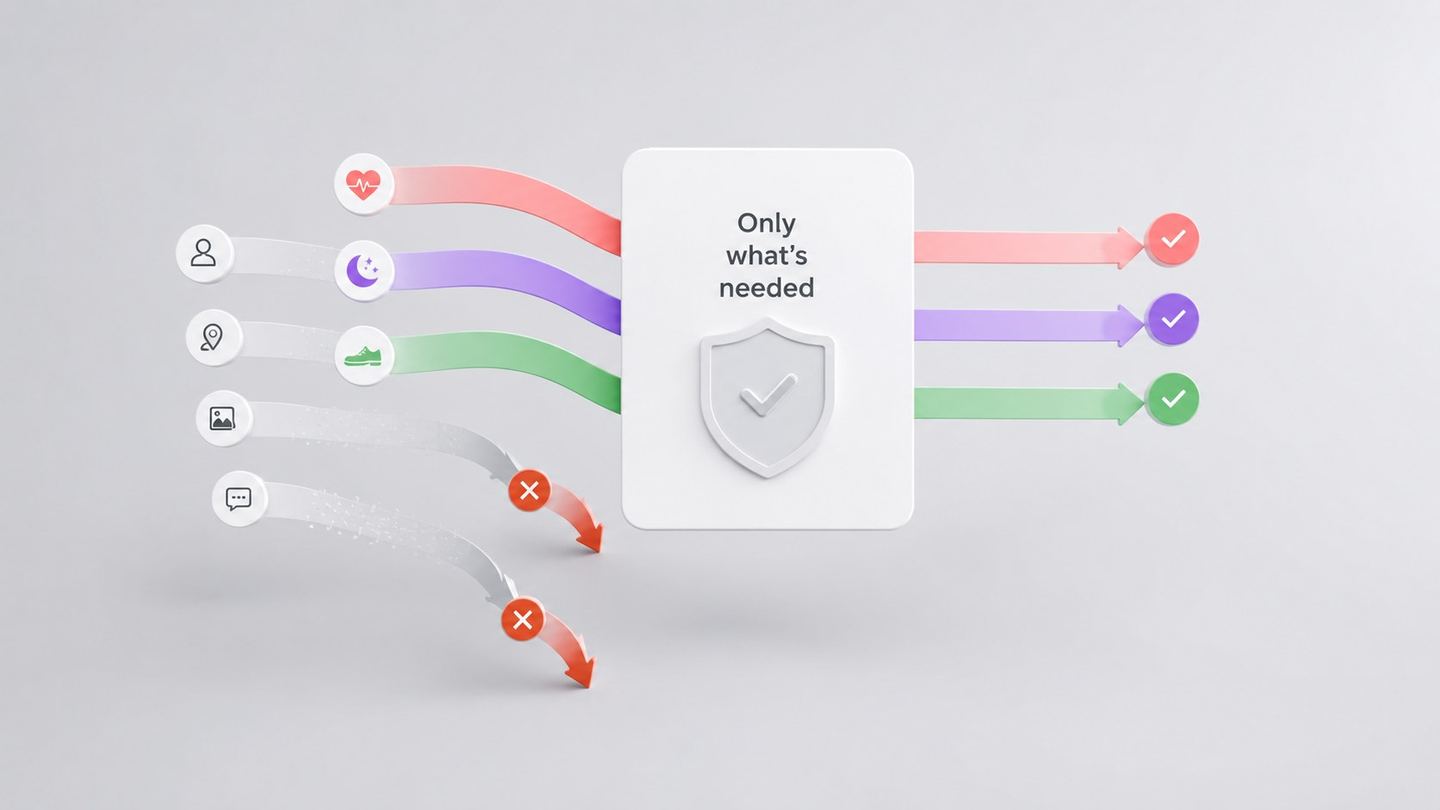
Deleting an account has limits, and a good privacy policy says where they are.
- Data kept for legal or security reasons. A company may keep some data after an account is deleted, for example to meet a legal requirement or for security and fraud checks. It should tell you what it keeps, for example in its privacy policy.
- Copies that already left. If the app sent data to other services you connected, such as other apps or health platforms, those services hold their own copies. Remove the data there too.
A checklist, in order
- ✓ Export anything you want to keep. Once an account is deleted, its history usually goes with it.
- ✓ Cancel the subscription in your app store's settings.
- ✓ Remove connections the app had to other accounts or health platforms, from the other side as well.
- ✓ Request deletion in the app, or through the developer's web page if the app is already gone.
- ✓ Keep the confirmation, such as a screenshot or an email with the date.
- ✓ Read the retention section of the privacy policy to see what is kept, and for how long.
Deleting an app tidies a phone; deleting an account changes what a company holds. Done in that order (export, cancel, disconnect, request, confirm), a deletion reaches the information you meant it to reach.
References (4)
- Offering account deletion in your app — Apple Developer
- Cancel a subscription from Apple — Apple Support
- Understanding Google Play's app account deletion requirements — Google Play Console Help
- Cancel, pause, or change a subscription on Google Play — Google Play Help
Wellthrive
Get early access to Wellthrive
Join the waitlist for Wellthrive — a nutrition and wellness app for clearer, more practical health decisions.
Get early access to Wellthrive